文章目录
- 基础
- 例子
- 改变形状
- 改色
基础
stylecloud是wordcloud优化改良版,操作简单,直接调用。
stylecloud的特点:
- 可以使用 Font Awesome 提供的免费图标更改词云的形状;
- 通过 palettable 更改调色板以自定义风格,更改背景颜色;
- 添加梯度使颜色按照特定方向流动。
stylecloud的安装:
pip install stylecloud
导包:
import jieba
from stylecloud import gen_stylecloud
参数:
gen_stylecloud(text=None, #输入字体file_path=None, # 输入文本/CSV 的文件路径gradient=None, #渐变方向(梯度方向),默认是horizontalsize=512, # stylecloud 的大小(长度和宽度,调大可以提高图片的清晰度)icon_name='fas fa-flag', # stylecloud 形状的图标名称(如 fas fa-grin)。[default: fas fa-flag]palette='cartocolors.qualitative.Bold_5', # 调色板(通过 palettable 实现)。[default: cartocolors.qualitative.Bold_6]colors=None, #文本颜色background_color="white", # 背景颜色max_font_size=200, # stylecloud 中的最大字号max_words=2000, # stylecloud 可包含的最大单词数stopwords=True, # 布尔值,用于筛除常见禁用词custom_stopwords=STOPWORDS,#list定制停用词列表icon_dir='.temp',output_name='stylecloud.png', # stylecloud 的输出文本名font_path=os.path.join(STATIC_PATH,'Staatliches-Regular.ttf'), # stylecloud 所用字体random_state=None, # 控制单词和颜色的随机状态collocations=True,#是否包括两个单词的搭配invert_mask=False,#是否反转图标掩码pro_icon_path=None,pro_css_path=None)例子
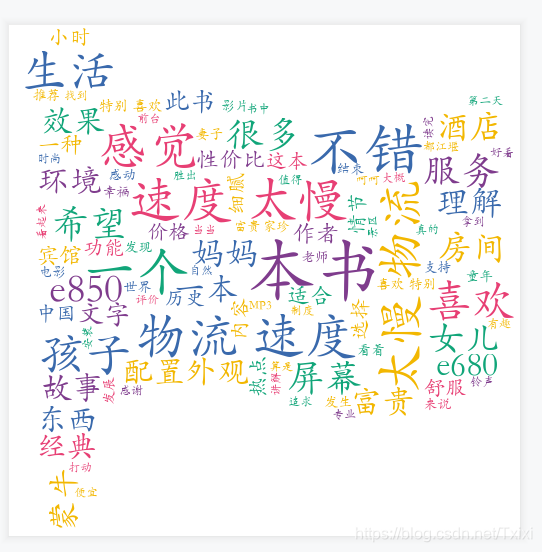
默认情况下,词云的形状是一面旗帜
import jieba#分词库
import pandas as pd
import matplotlib.pyplot as plt
import numpy as np
from stylecloud import gen_styleclouddf = pd.read_excel(r'D:\python学习\评论.xlsx')#读取文本def get_cut_words(content_series):# 读入停用词表stop_words = [] with open(r"D:\python学习\\chineseStopWords.txt", 'r') as f:lines = f.readlines()for line in lines:stop_words.append(line.strip())# 添加关键词#my_words = []    #for i in my_words:#jieba.add_word(i) # 自定义停用词my_stop_words = ['快递', '收到',]   stop_words.extend(my_stop_words)               # 分词content=';'.join([ str(c) for c in content_series.tolist()])word_num = jieba.lcut(content)# 条件筛选word_num_selected = [i for i in word_num if i not in stop_words and len(i)>=2]return word_num_selectedtext1 = get_cut_words(content_series=df['评论'])result = " ".join(text1)
gen_stylecloud(text=result,font_path='C:\\Windows\\Fonts\\STKAITI.TTF',max_font_size=70,output_name=r'D:\python学习\zihaowordcloud\code\pic.png',) #必须加中文字体,否则格式错误
改变形状
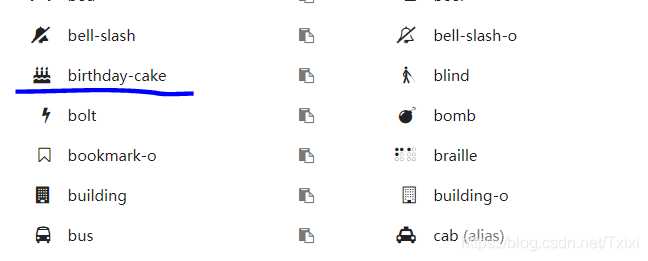
用icon_name,改变形状(fas fa-)
StyleCloud的默认形状为旗帜,同时支持Font Awesome提供的免费形状。
详情点击: Font Awesome网站.
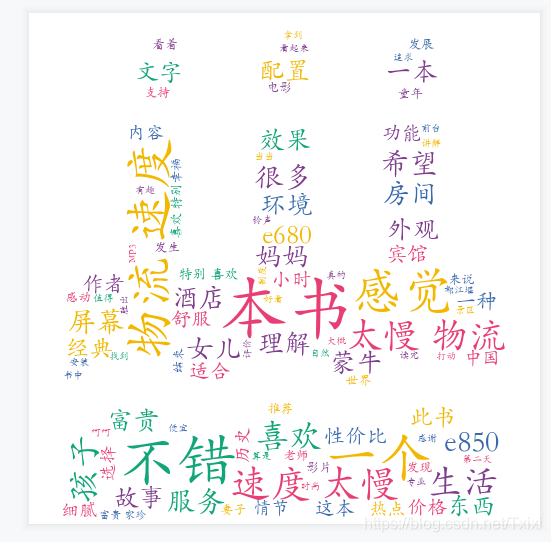
代码:
gen_stylecloud(text=result,font_path='C:\\Windows\\Fonts\\STKAITI.TTF',icon_name='fas fa-birthday-cake',max_words=100,max_font_size=70,output_name=r'D:\python学习\zihaowordcloud\code\pic.png',) #必须加中文字体,否则格式错误
或者
https://fa5.dashgame.com/#/%E5%9B%BE%E6%A0%87.
https://fontawesome.com/icons?d=gallery.
改色
可以参考 https://jiffyclub.github.io/palettable/.
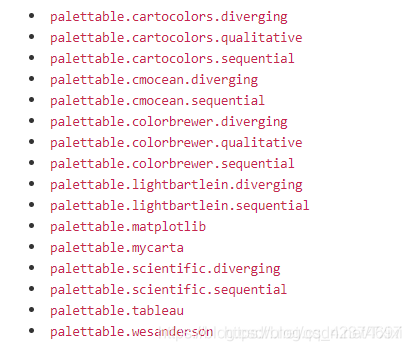
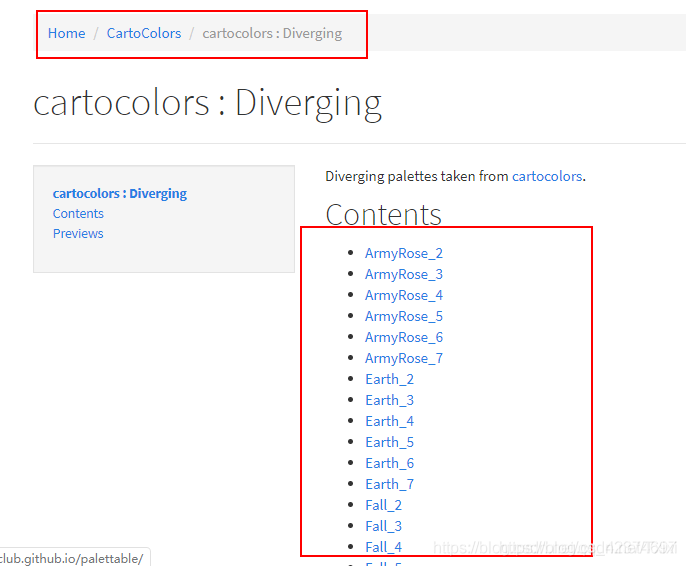
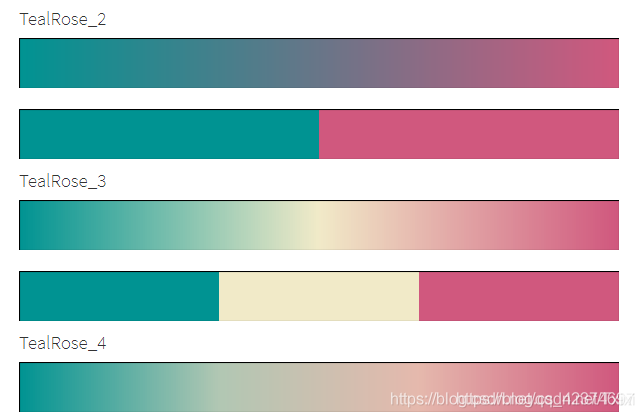
配色有很多种:
result = " ".join(text1)
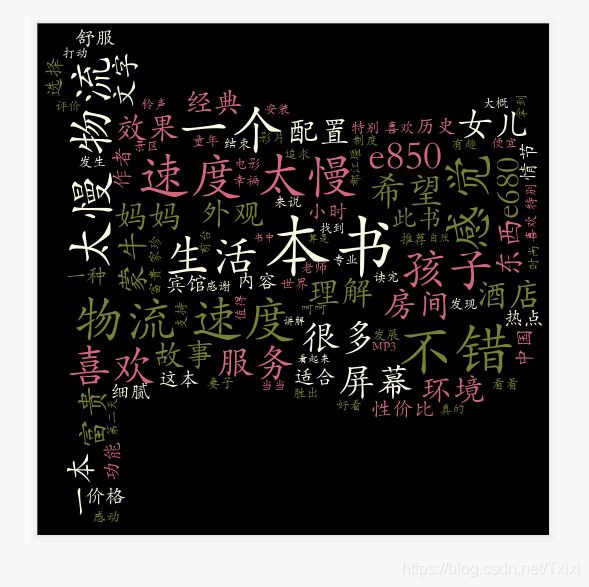
gen_stylecloud(text=result,font_path='C:\\Windows\\Fonts\\STKAITI.TTF',palette='cartocolors.diverging.ArmyRose_3',#palette=random.choice(choices)            # 随机选取配色方案max_words=100,max_font_size=70,background_color="black",output_name=r'D:\python学习\zihaowordcloud\code\pic.png',) #必须加中文字体,否则格式错误