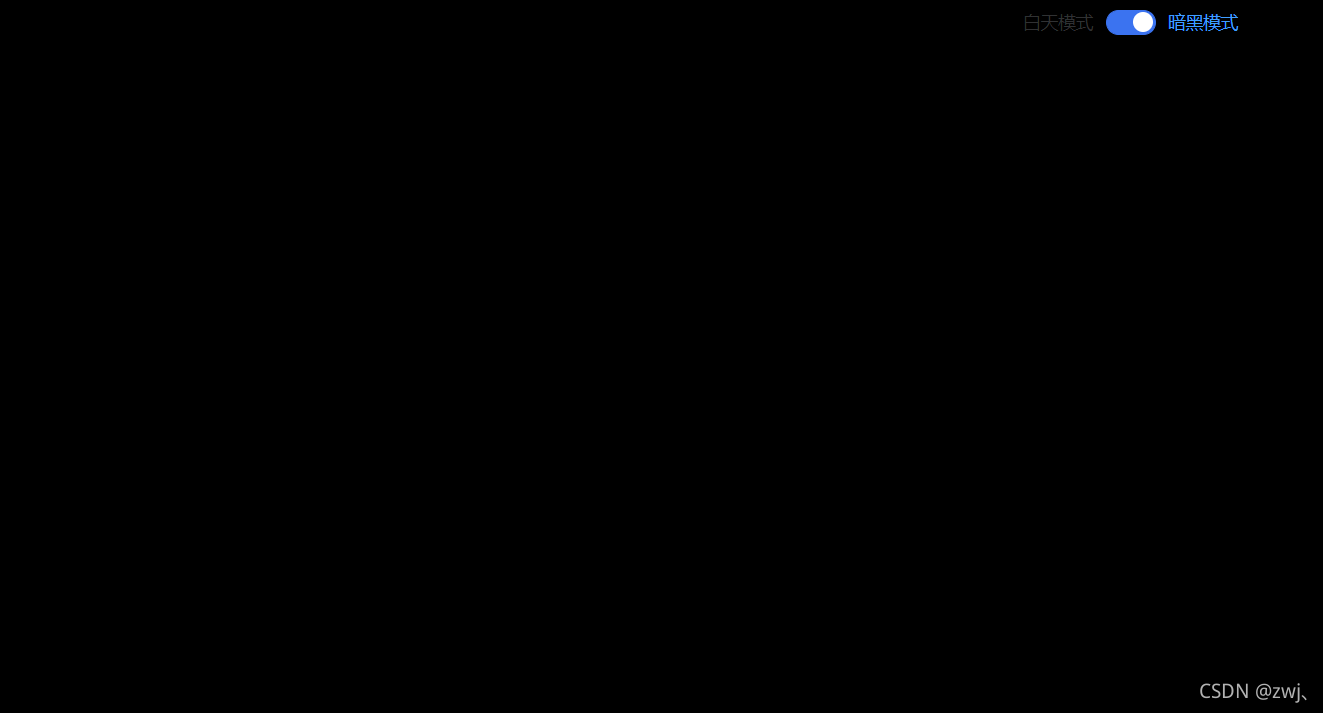
暗黑模式
基本结构
使用的是elementUi里面的Switch 开关
view / Home.vue
<template>
<div class="toogle"><el-switch// 绑定的是Boolean值v-model="toggleTheme"active-color="#3B73F0"inactive-color="#DDDFE4"active-text="暗黑模式"inactive-text="白天模式"@change="change"></el-switch>
</div>
</template><script>
export default{data(){return {// 存放控制模式切换的Boolean值toggleTheme: false,}},methods:{// 将获取到的存放模式切换的值存储到vuex里面change() {this.$store.dispatch("chengeThemeActions", this.toggleTheme);},}
}
</script>
vuex / store.js
import Vue from 'vue'
import Vuex from 'vuex'Vue.use(Vuex)export default new Vuex.Store({state: {// 保存切换暗黑模式darkTheme: ""},getters: {dark: state => state.darkTheme},mutations: {changeThemeMutations(state, payload) {state.darkTheme = payload}},actions: {// 使用commit触发mutations里面的方法chengeThemeActions(context, params) {context.commit('changeThemeMutations', params)}},modules: {}
})
App.vue
<template>// 动态绑定类<div id="app" :class="{ dark: darkTheme }"><router-view /></div>
</template><script>
import { mapState } from "vuex";
export default {name: "App",data() {return {isShowDarkTheme: "",};},computed: {...mapState(["darkTheme"]),},
};
</script><style lang="less" scoped>
.dark {transition: all 0.5s ease;background-color: #000;color: #fff;
}
.light {transition: all 0.5s ease;background-color: #fff;color: #000;
}
</style>
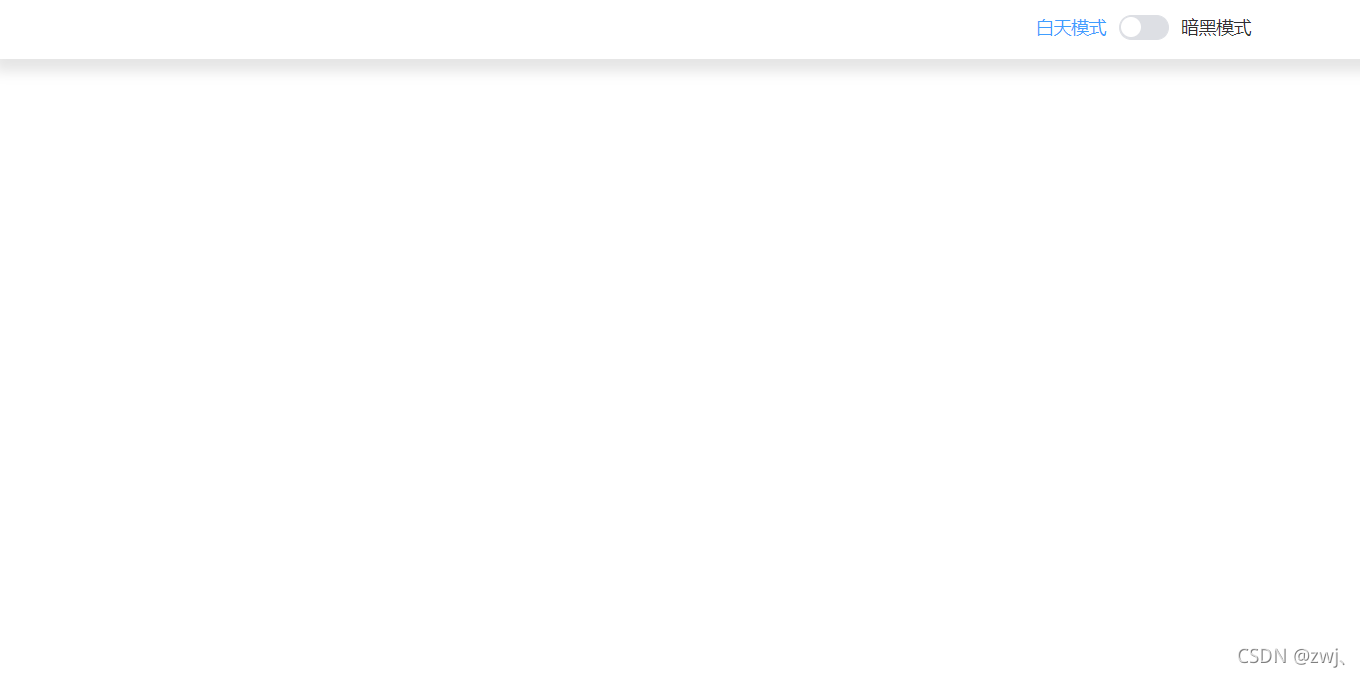
切换效果展示
白天模式
黑夜模式