
作为一个前端之前并没有打包过项目,因此想一下打包的效果,记录一下我的打包过程:作为一个开端
首先,项目打包前的目录结构
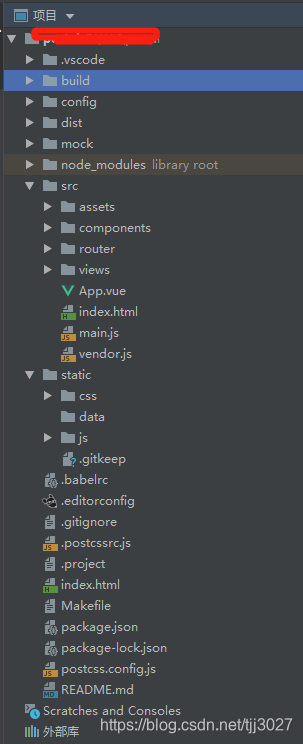
然后,运行命令行 npm run build
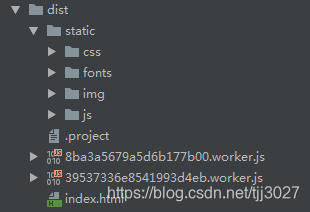
因为是第一次打包,不熟悉打包的过程,与文件的变更,首先看了一下文件的结构,发现没有compenent与views中文件的生成目录。是没有打包进去么?后面发现是打包进去的
先看一下效果,看一下是否打包进入了。
当我运行的时候发现页面报错,是个空白页
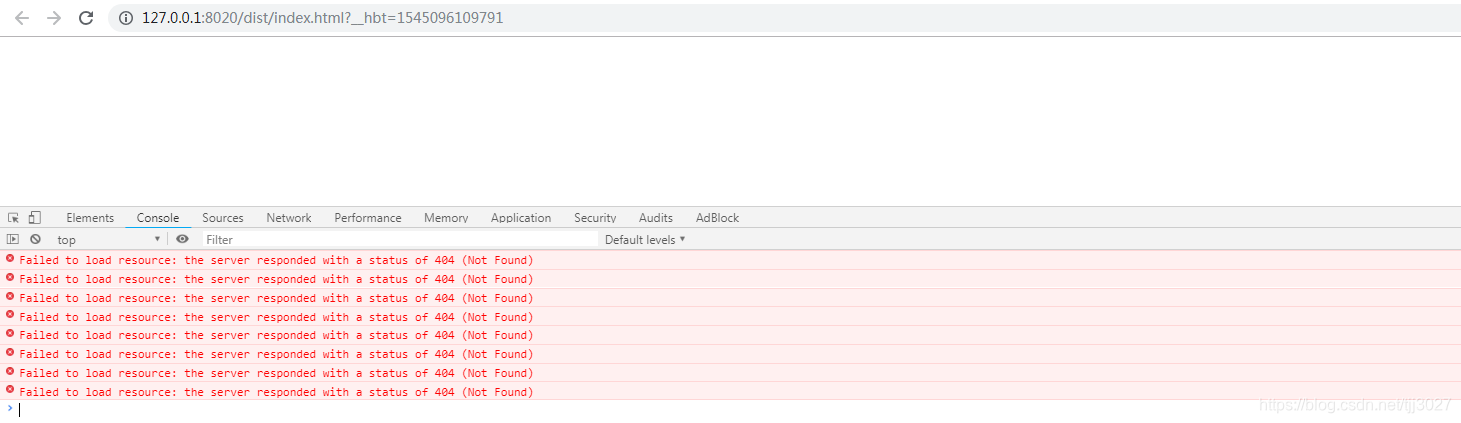
从网上查找,说是需要将路径变更一下,将相对路径变成绝对路径
需要修改的均是与build设置相关的文件
config=》index.js,修改文件中的默认配置:
assetsPublicPath: '/'值为assetsPublicPath: ‘./’
build: {// Template for index.htmlindex: path.resolve(__dirname, '../dist/index.html'),// PathsassetsRoot: path.resolve(__dirname, '../dist'),assetsSubDirectory: 'static',assetsPublicPath: './',/*** Source Maps*/productionSourceMap: true,// https://webpack.js.org/configuration/devtool/#productiondevtool: '#source-map',// Gzip off by default as many popular static hosts such as// Surge or Netlify already gzip all static assets for you.// Before setting to `true`, make sure to:// npm install --save-dev compression-webpack-pluginproductionGzip: false,productionGzipExtensions: ['js', 'css'],// Run the build command with an extra argument to// View the bundle analyzer report after build finishes:// `npm run build --report`// Set to `true` or `false` to always turn it on or offbundleAnalyzerReport: process.env.npm_config_report}
此时,再在服务器中打开项目,可以看到界面了,但是发现好像图片存在找不到的情况,我们查看样式,发现是路径不对。
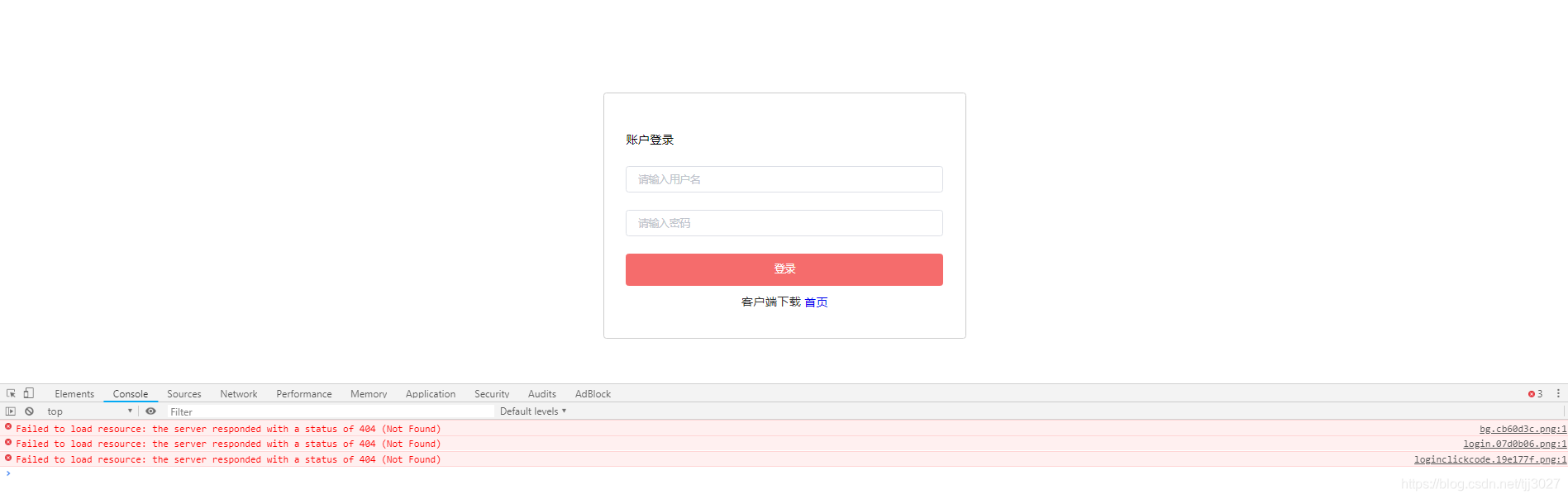
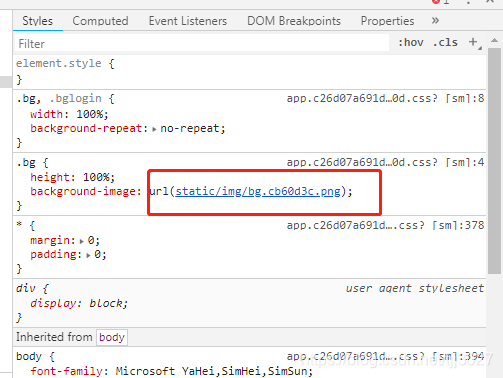
修改图片的资源路径:
build=》util.js
修改build文件夹中util文件,并查找方法generateLoaders,并在ExtractTextPlugin.extract添加
publicPath:’…/…/'选项
// generate loader string to be used with extract text pluginfunction generateLoaders (loader, loaderOptions) {const loaders = options.usePostCSS ? [cssLoader, postcssLoader] : [cssLoader]if (loader) {loaders.push({loader: loader + '-loader',options: Object.assign({}, loaderOptions, {sourceMap: options.sourceMap})})}// Extract CSS when that option is specified// (which is the case during production build)if (options.extract) {return ExtractTextPlugin.extract({use: loaders,fallback: 'vue-style-loader',publicPath:'../../'})} else {return ['vue-style-loader'].concat(loaders)}}
此时在打开服务器发现可以正常找到资源路径,页面可以显示了,不过仍可能存在样式走形,此处需要在做细节的调整。
有兴趣可以查找相关说明,了解一下配置文件中相关配置项的含义